Use setup for fit review.
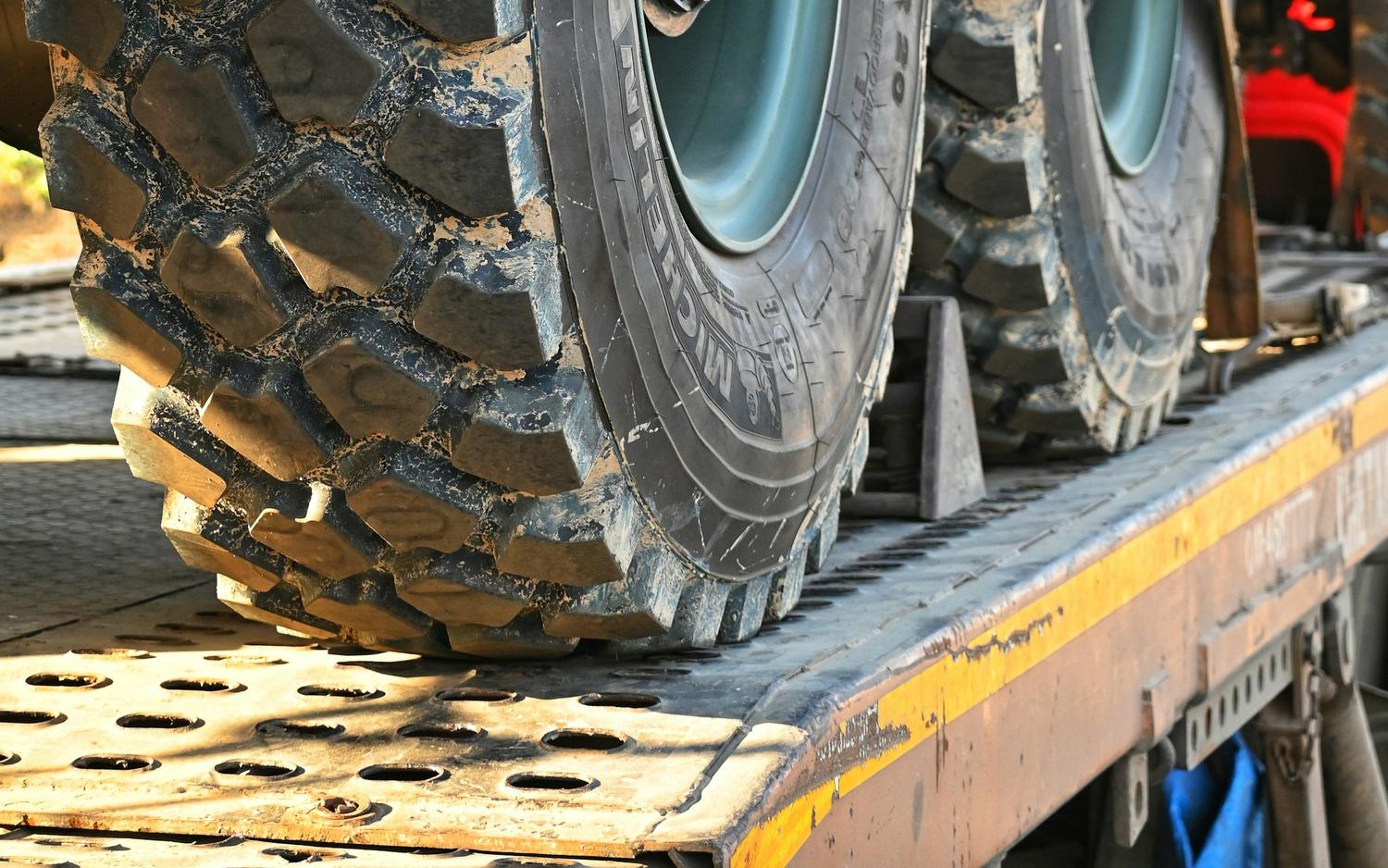
Flatbed trailer with heavy equipment tires secured for transport planning.

Guided setup builder

Build the right securement setup.

Answer load, trailer, and buying-route questions, then get the right next step: cart, quote, freight review, or fleet account.

Setup decision path

Confirm the right path before checkout moves.

Answer load, trailer, and use-case details so the result sends you to direct buy, quote, freight, or fleet review.

1. Load fit Weight, trailer, and anchor context
2. Gear path Chains, straps, binders, tarps, hardware
3. Buying route Cart, quote, freight, or fleet handoff
Setup decision path
Confirm the right path before checkout moves.

Answer load, trailer, and use-case details so the result sends you to direct buy, quote, freight, or fleet review.

1. Load fit Weight, trailer, and anchor context
2. Gear path Chains, straps, binders, tarps, hardware
3. Buying route Cart, quote, freight, or fleet handoff

Guided commercial setup

Pick the load. Get the right route.

Use this path when the product family, add-ons, or buying route still needs direction.

Already know what you need?

Use the catalog when family, quantity, and shipping are clear.

Shop Products

Need bulk pricing?

Use quote review for pricing, substitutions, approvals, or mixed quantities.

Request Quote

Only need the load math?

Use the planner when weight, length, and marked WLL are already known.

Load Securement Planner
Freight checked in the route step Pallet, oversized, or delivery-handling answers push the result to Freight Quote.
Fleet checked in the route step Repeat-buy, protected pricing, or procurement answers push the result to Wholesale / Fleet.

Guided setup

Step 1 of 3: Load

Answer the active stage to unlock the next commercial decision.

Step 1

Start with the load

Load, weight, and trailer decide the first securement lane.

Load or use case

Choose the closest job: steel, lumber, machinery, palletized, or mixed freight.

Load demand

Use the nearest demand level. Heavy or unknown loads keep review attached.

Trailer or work area

Flatbed, step deck, van, enclosed trailer, or trailer hardware changes fit.

Step 2

Choose the securement family

Chains, straps, tarps, binders, protection, anchors, and hardware stay in view.

Primary securement family

Choose chains, straps, tarps, anchors or hardware, or let STZ narrow it.

Protection and coverage

Corner protection and tarps can change the product mix and buying route.

Anchor or hardware condition

Known anchor points speed shopping. Unknown fit keeps setup review visible.

Setup objective

New build, restock, tarp review, hardware fitment, or mixed securement problem.

Step 3

Confirm the buying route

Direct shop, quote review, freight quote, or wholesale/fleet handling.

Commercial buying route

One-time, quote-first, repeat fleet, and distributor paths route differently.

Shipping or freight profile

Parcel-friendly setups can shop faster. Oversized or mixed shipments may need freight review.

Timing

Choose the closest lead-time expectation.

Add notes only when they change the routing or follow-up.

Optional setup checker

WLL planning check

Enter actual load weight, planned tie-down count, and marked WLL to turn the guided result into a numeric planning check.

lb

Use the loaded cargo weight you want the planning check to compare.

qty

Count the primary straps, chains, or assemblies planned for this load.

lb

Use the marked working load limit on the selected gear.

Guidance only. This is a planning check, not a certification or legal compliance decision.

Live recommendation

Live setup preview

Start with any choice

Choose an option to preview the likely family, add-ons, and next route.

Need help? Choose length, fit, or stock
Need help choosing a length?

Ask about fit, binder pairing, stock, quote routing, or freight before committing the order.

Ask technical expert Request quote help Contact STZ